
Virus Cleaner and Game Booster
Clean numerous virus and sticky files from your PC. The high powerful virus cleaning engine which capable to continually enter inside virus files and perform uncompromising quick remedy. As per various types of virus and varying behavior scenario, the different Antivirus solutions can monitor uncommon viruses depend on the latest virus update and behavior.
Soft Cleaner included a strong unique functionality to clean such all virus cases. You should store virus files locations one by one on desktop Soft Cleaner - Virus Cleaner.txt either manually or by other software products. Apart from virus files, if you wish to clean any sticky file from your system same method can be useful.
Game Booster works with Virus Cleaner. So you don't bother about if there no virus files entries to write. It works for boosting your entire games, not only one or two. Its for entire PC resources even more standard and well optimized. Once it completed, you can start your PC games especially memory utilizing games. If there is no virus file entries, no restart needed. After optimization you can use PC as normal.

During
the virus cleaner it is common, PC performance become sometimes
slow. And any injects worms still active in behind or not is
unpredictable. It is recommending to optimize and speed up your PC
after. As per the number of virus files and their tight behavior
depends whether you restart the system or continue. It is good to
restart the system after virus cleaning procedure. After restarting
PC, its one more time to optimize, no restart needed. Then use your
PC as normal.
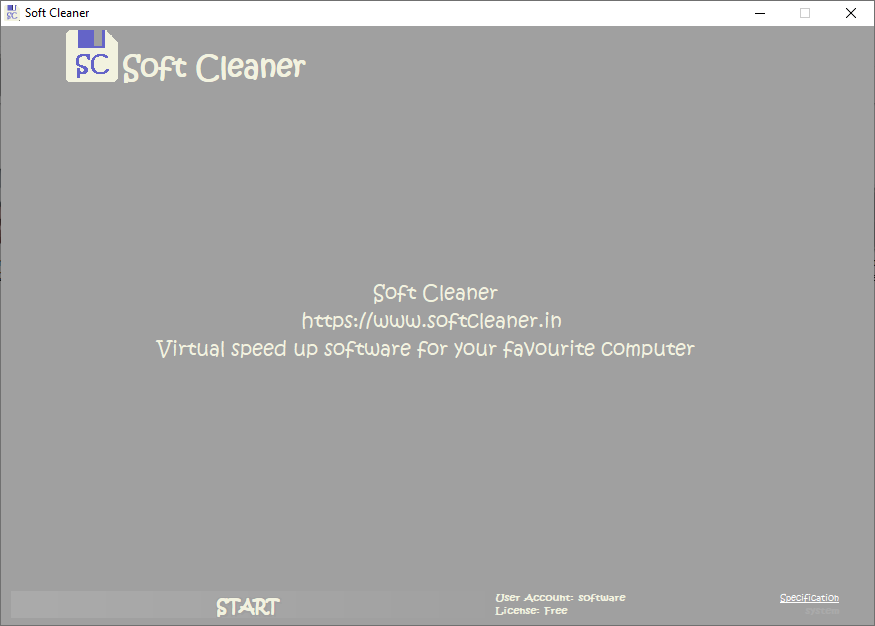


#1: Click on CPanel, Virus Cleaner. For first time Soft Cleaner - Virus Cleaner.txt will be created on your desktop. You should specify all virus files locations one by one in to specified notepad on desktop. Then Analyse or Optimize directly. The virus files will be cleaned perfectly.
You can specify virus files locations manually or by other software products virus monitor. All other software products can automatically store the virus files locations in to Soft Cleaner - Virus Cleaner.txt when any active virus found in system. Yes, Virus Cleaner inside Soft Cleaner can clean hundreds and thousands and millions of virus files continuously with a tap.
Note: You don't access any file manually or any other things in computer during virus cleaning task.
Note: It already removed some 'Kernel Mode Rootkits' successfully with TURBO. Hence you can go for a try if you attempted several times before. #1.
Version:
2.2020.4.33
System Requirement
Recommended 64 Bit
OS: Windows 8/10/Server, 32/64.
About Windows 7:
Windows 7 Ultimate 64 SP1-IE11(Latest Service Pack/Latest
Versions/.NET Framework.)
Copyright ©2012-2020, All other marks are the property of satheeshsoft.